

The owner of a 14-room inn in Vermont pays for a few online listings each year. When she asks whether they are worth it, nobody on her team can answer. Bookings come through her website, but she has no idea which visitors arrived from which listing.
Measuring referral traffic is the only reliable way to know whether a listing helps your business. The setup takes about an hour and works for hotels, inns, and any small business with a website.
What Referral Traffic Means
Referral traffic is a visit to your website from a link on another site, such as a directory, a blog, or a local tourism page. Google Analytics 4 records these visits and shows which sites sent them, as long as the visitor’s browser passes the referring site’s information.
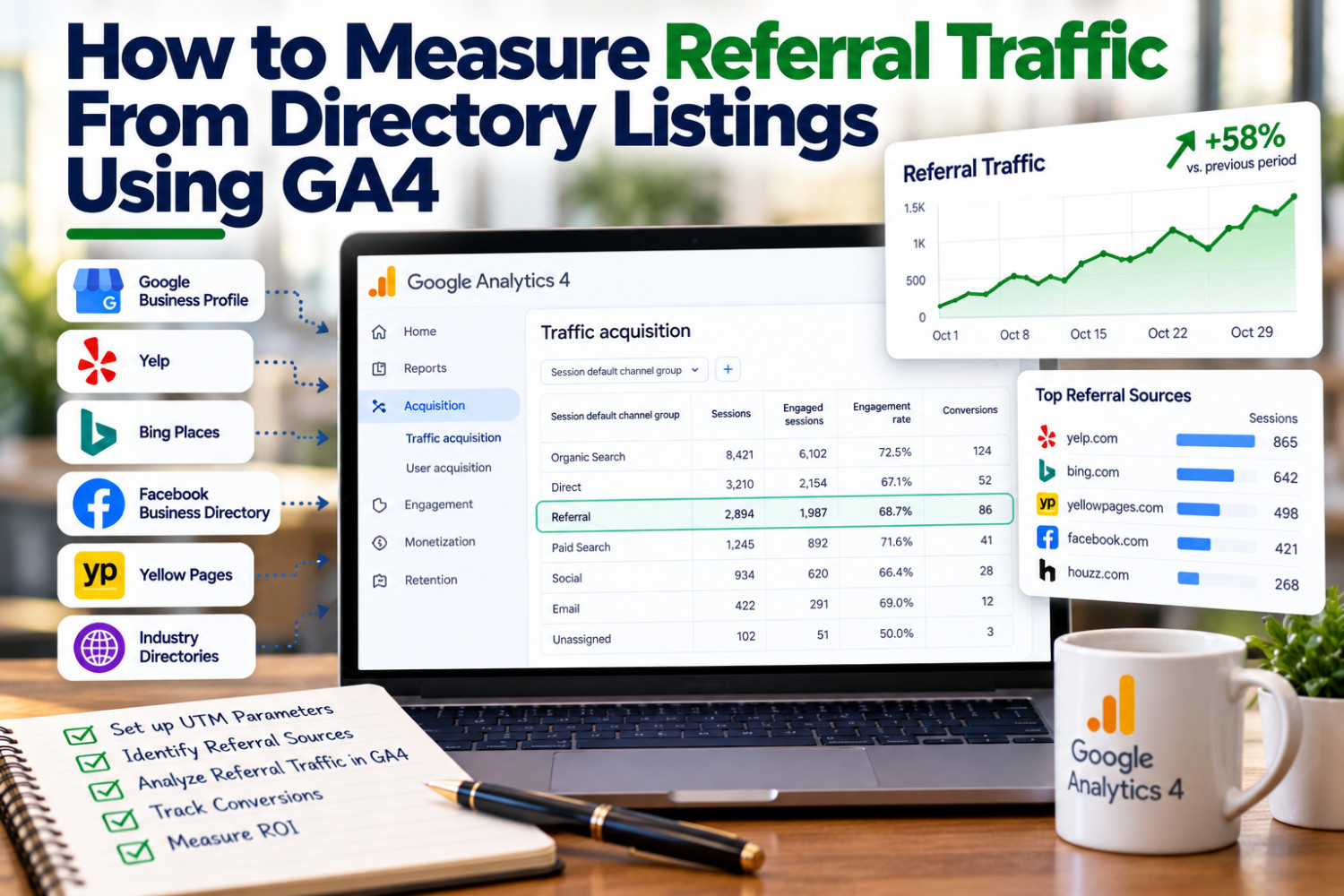
In GA4, open the Traffic Acquisition report and look at sessions by source. You will see entries like the domain name of each site that sent visitors. From there, you can see how many people arrived, how long they stayed, and whether they completed key actions like a booking inquiry.
Use UTM Parameters for Cleaner Data
Some visits lose their referral information along the way, which can make them appear as direct traffic. Adding UTM parameters to the website link on your listings fixes most of that. A UTM is a short tag added to the end of your URL, such as ?utm_source=directoryname&utm_medium=referral&utm_campaign=listing.
Google offers a free Campaign URL Builder to create these links. Use a consistent naming pattern for every listing so your reports stay organized. Then set up key events in GA4, like booking form submissions or clicks on your phone number, so you can see which sources lead to actual inquiries.
Review the Numbers With Realistic Expectations
Check your referral data every quarter. Some listings will send a steady trickle of visitors, while others will send almost none. Low numbers do not always mean a listing is useless, since some people see your details on a directory and then search your name directly or call without visiting your site.
Hotels and resorts can apply this method to listings such as the Hotels and Resorts category on 360 Directory. Add a tagged link to your 360 Directory listing, then compare its visits and inquiries with your other sources after a few months. That comparison gives you real information to guide next year’s marketing budget.
Replace Guesswork With Data
Tracking referral traffic tells you which listings send real visitors. Review the Traffic Acquisition report in GA4, tag your listing links with UTM parameters, and set up key events for inquiries. Apply the same method to every listing, including directories like 360 Directory, so each marketing decision rests on your own numbers.